 1
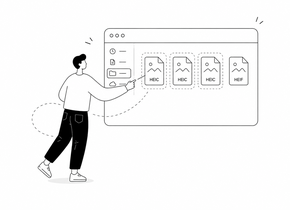
1 Choose HEIC or HEIF photos
Select one or more iPhone photos from your device.
Private HEIC to PDF converter
Convert HEIC or HEIF photos into a PDF directly in your browser. Preview images first, then prepare a private PDF with no upload.
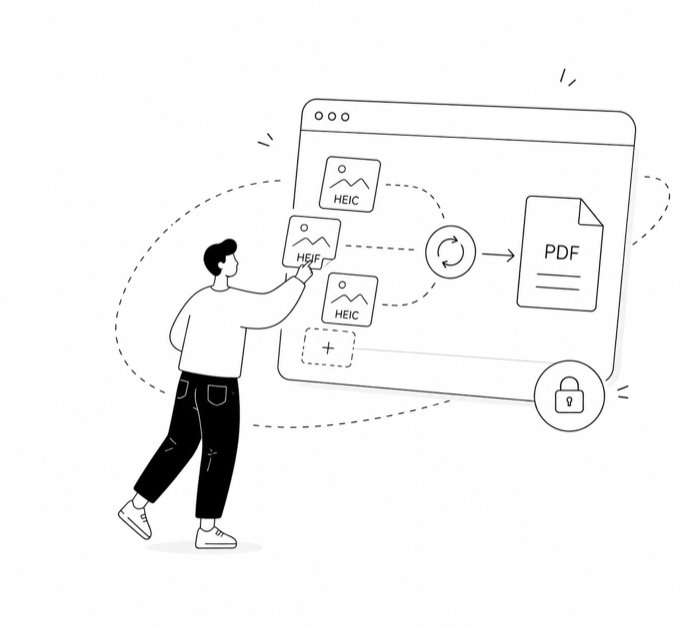
or choose up to 10 HEIC/HEIF photos from your device
How it works
1 Select one or more iPhone photos from your device.
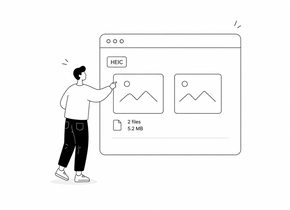 2
2 Check the decoded images in your browser before creating the PDF.
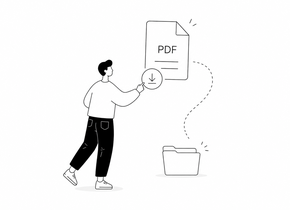 3
3 Generate a PDF locally and save it to your device.
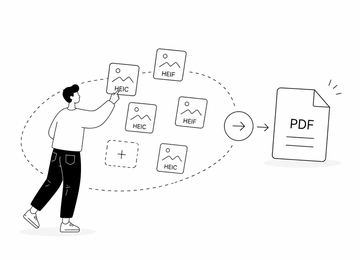
Turn multiple HEIC or HEIF photos into a single document, with one image per page.
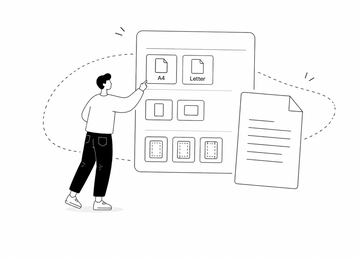
Prepare common PDF layouts such as Auto, A4, or Letter with simple margin options.
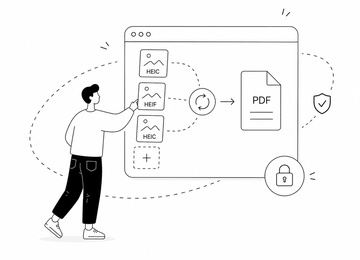
The page is designed for browser-based processing, so your selected photos stay in your session.
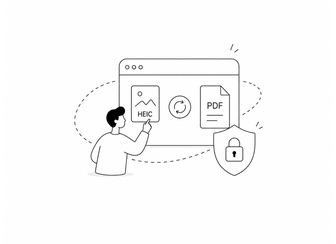
HEIC photos often come from iPhones and personal albums. This tool is designed to preview and prepare PDF documents locally in the browser instead of uploading files to a remote server.
Yes. You can choose one or more HEIC or HEIF photos, preview them, and create a PDF in your browser.
No. The conversion is designed to happen in your browser session. Your selected images should not be uploaded to a server.
Yes. The HEIC to PDF tool is designed to support multiple HEIC or HEIF files and place each image on its own PDF page.
Yes. PDF options include Auto, A4, and Letter, with simple orientation and margin controls.
It is designed for modern browsers. Some HEIC variants may depend on browser compatibility, so if one file does not preview, try another browser.
Yes. JPG and PNG create image files, while PDF creates a document that is easier to share, print, or upload where a PDF is required.